
REQUIREMENTS:
- Telegram Account (works with all devices and operating system)
- A registration code or link from the platform you’re signing up with. If you don’t have one, message @holatgm to request access
Note: Screenshots shown are from Telegram Desktop. Your app may look slightly different depending on your device, but the steps are the same.
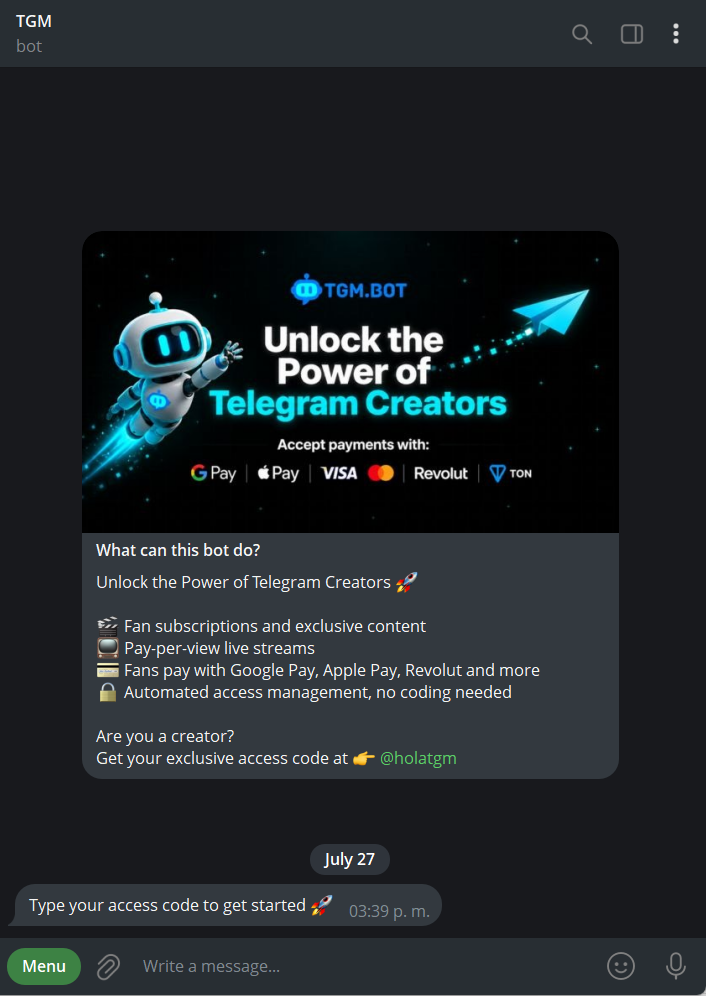
Step 1: Open TGM.Bot
If you land on the TGM Bot without a code, it’ll show you how to request one. If you already have a code, or you opened a direct registration link, you’ll skip straight to step 2.
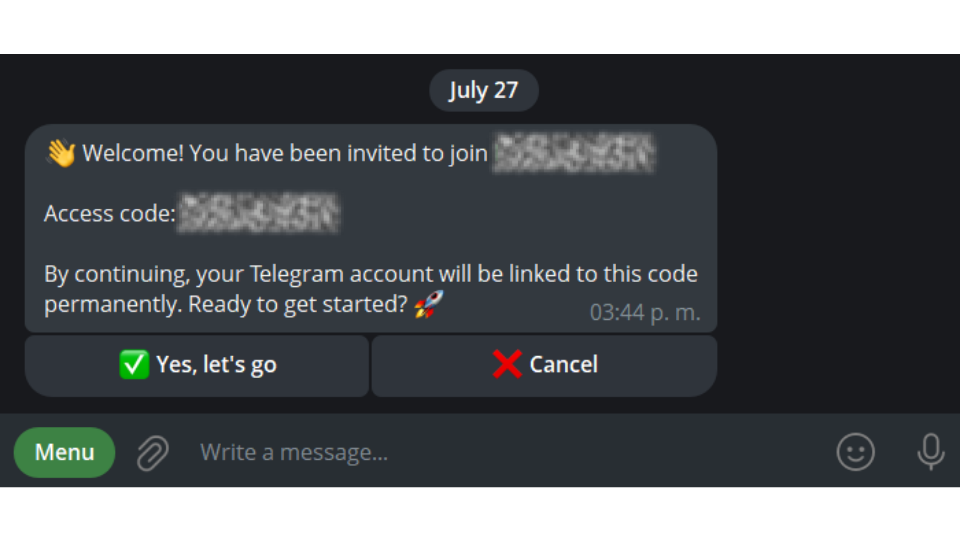
Step 2: Confirm your registration
The bot shows you which platform you’re registering with and the code you used. Tap “Yes, let’s go” to confirm, or “Cancel” if something looks off
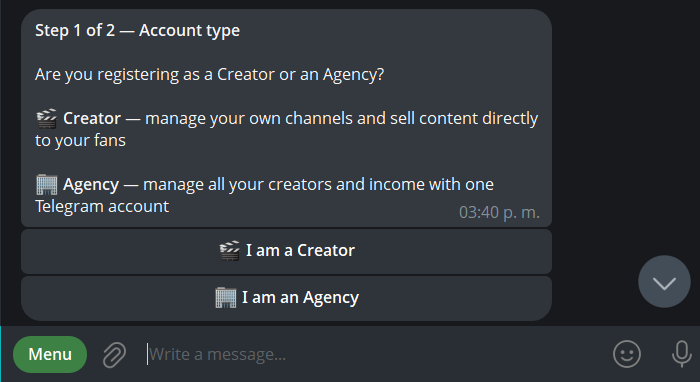
Step 3: Choose your account type
This is the only step that’s different, select Agency: manage all your creators and income from one account.
Step 4: Create your account and get verified
Finally, click “Complete registration” and submit your verification details. Takes about 2 minutes.
Next: [How to add creators to my agency] 🏢