
Setting up your paid channel takes about 5 minutes, all inside Telegram, moving between TGM Bot and your channel settings
Screenshots shown are from Telegram Desktop. Your app may look slightly different depending on your device, but the steps are the same
1. Start in the bot
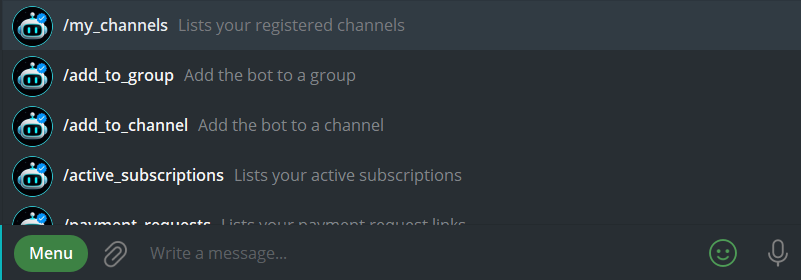
Open TGM Bot, tap from the menu /my_channels, then “+ Register New Channel.“
2. Create your channel in Telegram
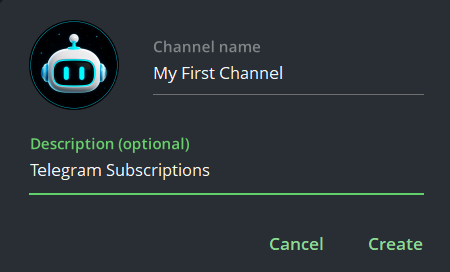
First, create a new private channel in Telegram (new here? here’s how). Add a name and picture (description is optional), then set it as Private. ⚠️ Public channels won’t work for subscriptions. Skip adding members for now, you’ll add the bot in the next step.
3. Connect the bot
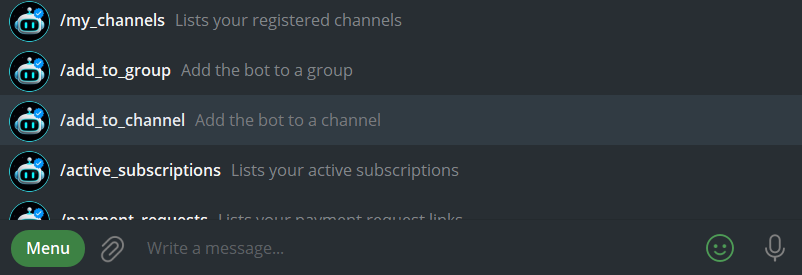
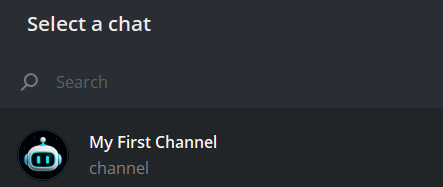
Back in TGM Bot chat, tap menu and /add_to_channel and select the channel you just created, then accept the admin permissions as shown. These permissions are what let the bot manage subscriptions and messages for you.
4. Choose your channel type
The bot will ask what kind of channel this is. Select Subscriptions.
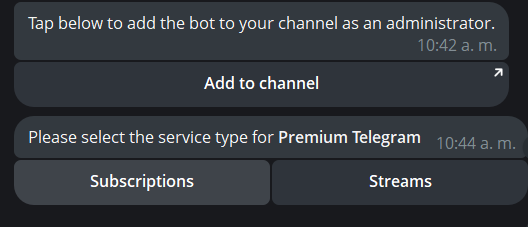
That’s it, your channel for subscriptions is ready. 🎉
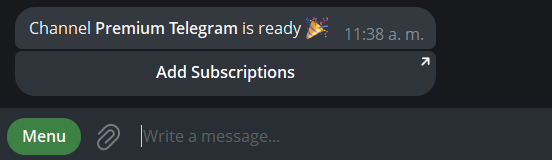
Next: [Add a subscription for your channel].